
Agentic B2C Developer Toolkit
Salesforce B2C Commerce tools for developers, administrators, and AI agents.
Build storefronts, deploy code, investigate issues, and manage your sites from your terminal, editor, or AI assistant.
Tools
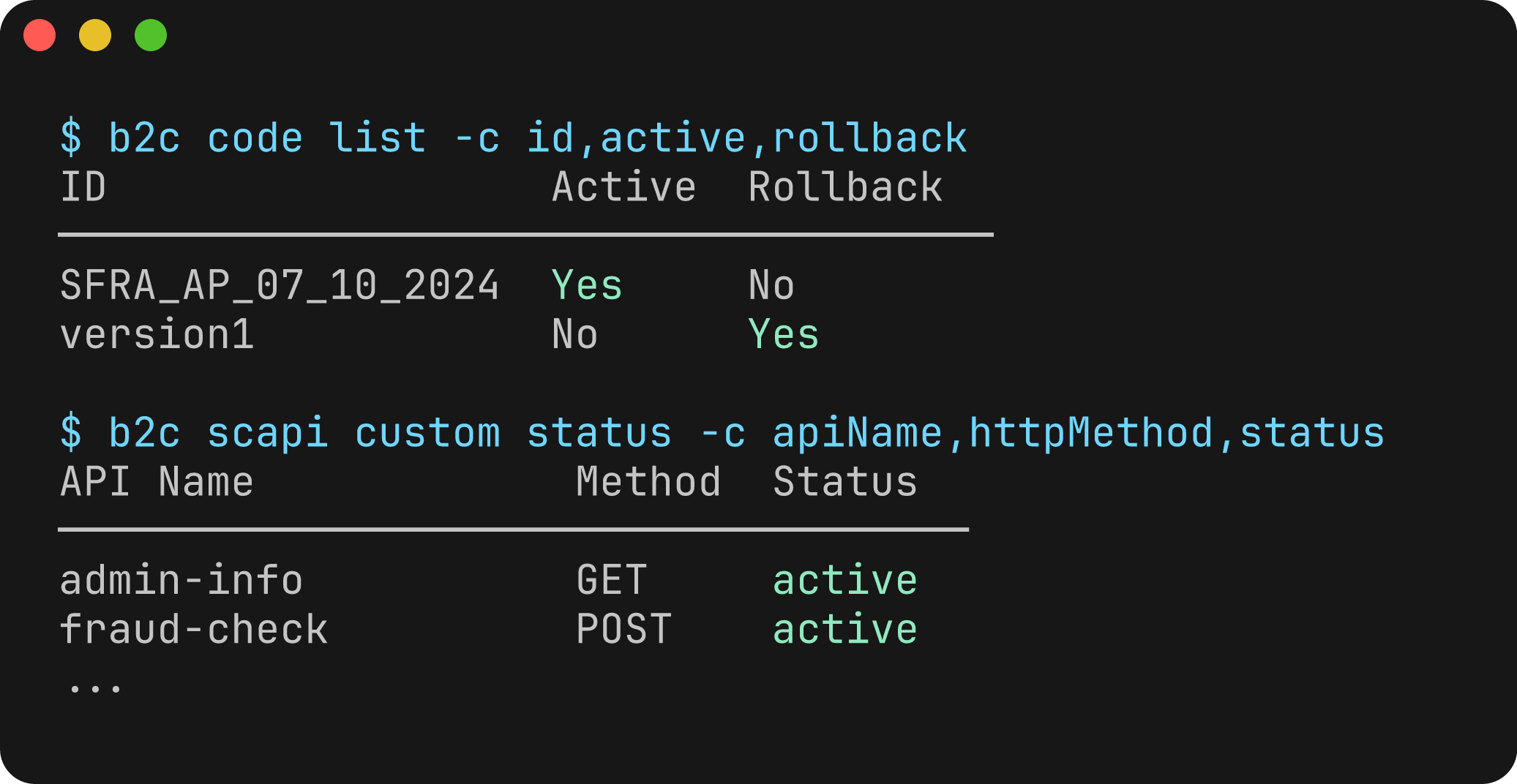
 CLI Deploy cartridges, run jobs, manage sandboxes, and automate your B2C Commerce workflows.
 IDE Extension Sync code, explore your instance, and debug server-side scripts in your editor.
 MCP / Agent Skills Connect your assistant to B2C Commerce documentation, live tools, nearly 600 API operations, and workflow skills.
Developer Tasks
Find the cause of a storefront bug
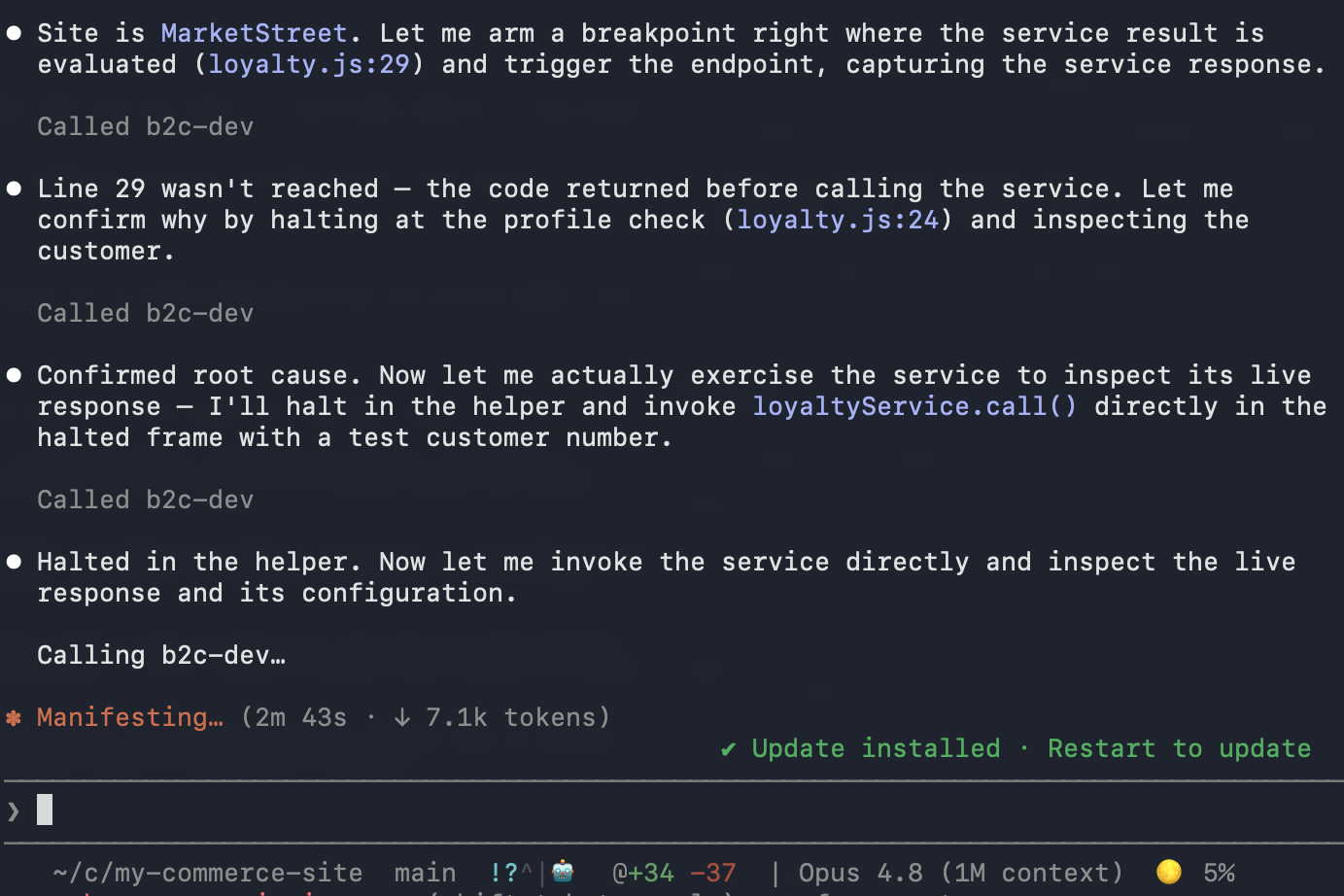
Let your assistant inspect live cartridge execution and connect what it finds to your source code.
This controller returns the wrong result in my sandbox. Inspect the variables while I reproduce the request, explain the cause, and recommend a fix. Don't change the code yet.
Search Salesforce documentation Get answers grounded in B2C Commerce documentation, with examples and links to the sources.
Deploy code and metadata Apply project configuration and metadata changes with import sets.
CI/CD with GitHub Actions Automate builds, deployments, and other repeatable B2C Commerce tasks.
Administrator and Merchant Tasks
Investigate failed orders
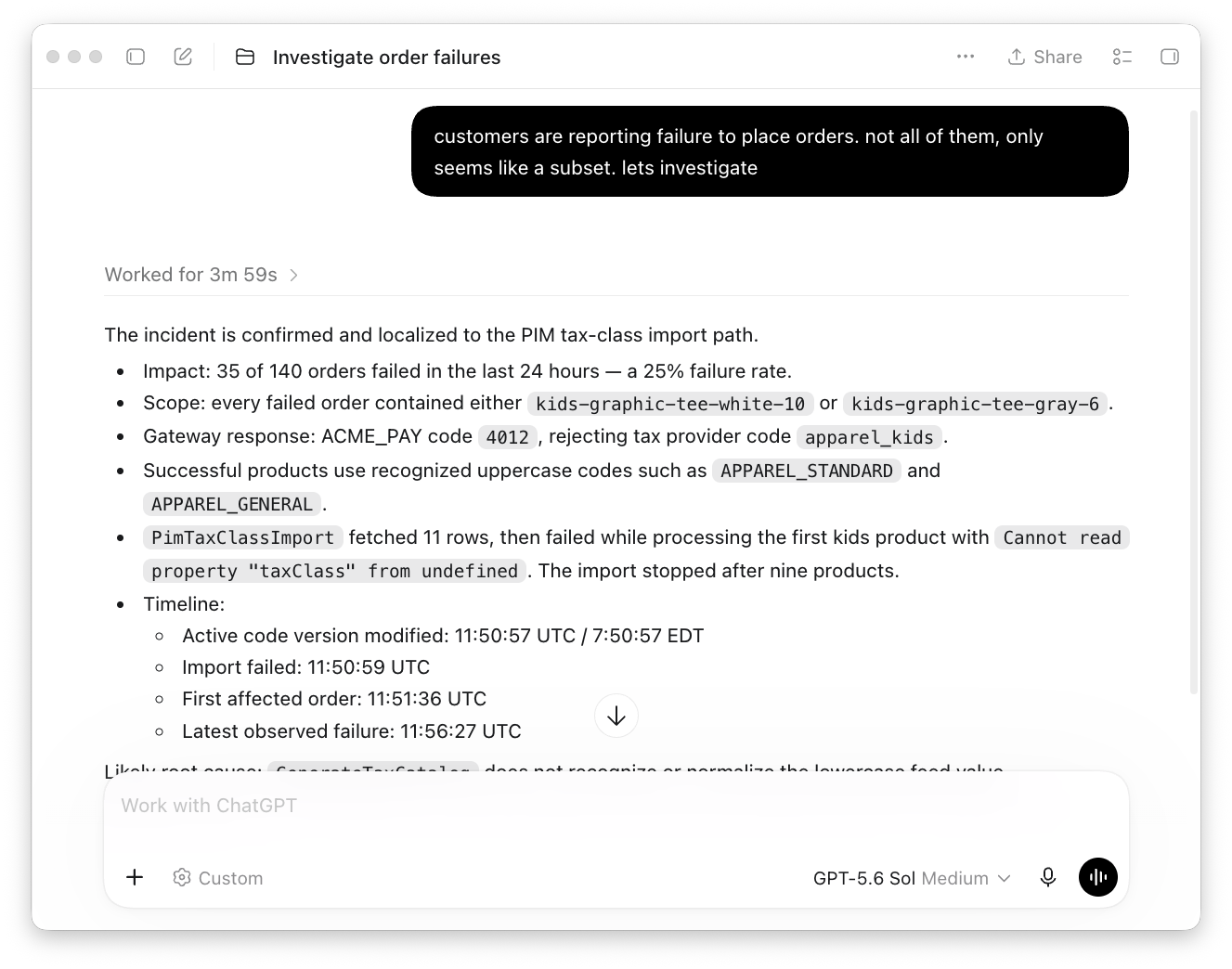
Use the MCP and operations skills to connect failed orders with payment errors and job updates. Understand the impact and prepare evidence for the team that can help.
Investigate failed orders on my site over the last two hours. Look for patterns in affected products and payment errors, and prepare a handoff with the evidence. Don't change orders or retry payments.
Manage users and API clients Review users, roles, organizations, and API access in Account Manager.
Review campaigns and promotions Check campaign schedules and identify promotions that need attention before launch.
Explore analytics reports Query B2C Commerce data and turn operational reports into useful answers.
More Resources
Search B2C Commerce documentation Ask your assistant about APIs, Business Manager, or merchandising, with references to Salesforce documentation.
CLI Extensions Add integrations and commands to fit your team's workflow.
Tooling SDK Build custom integrations and automation with typed TypeScript APIs.