

CLI for Every Workflow
Deploy cartridges, run jobs, manage ODS and MRT, import/export site archives, work with WebDAV, and automate CI/CD — all from the terminal. The foundation everything else builds on.
Get started
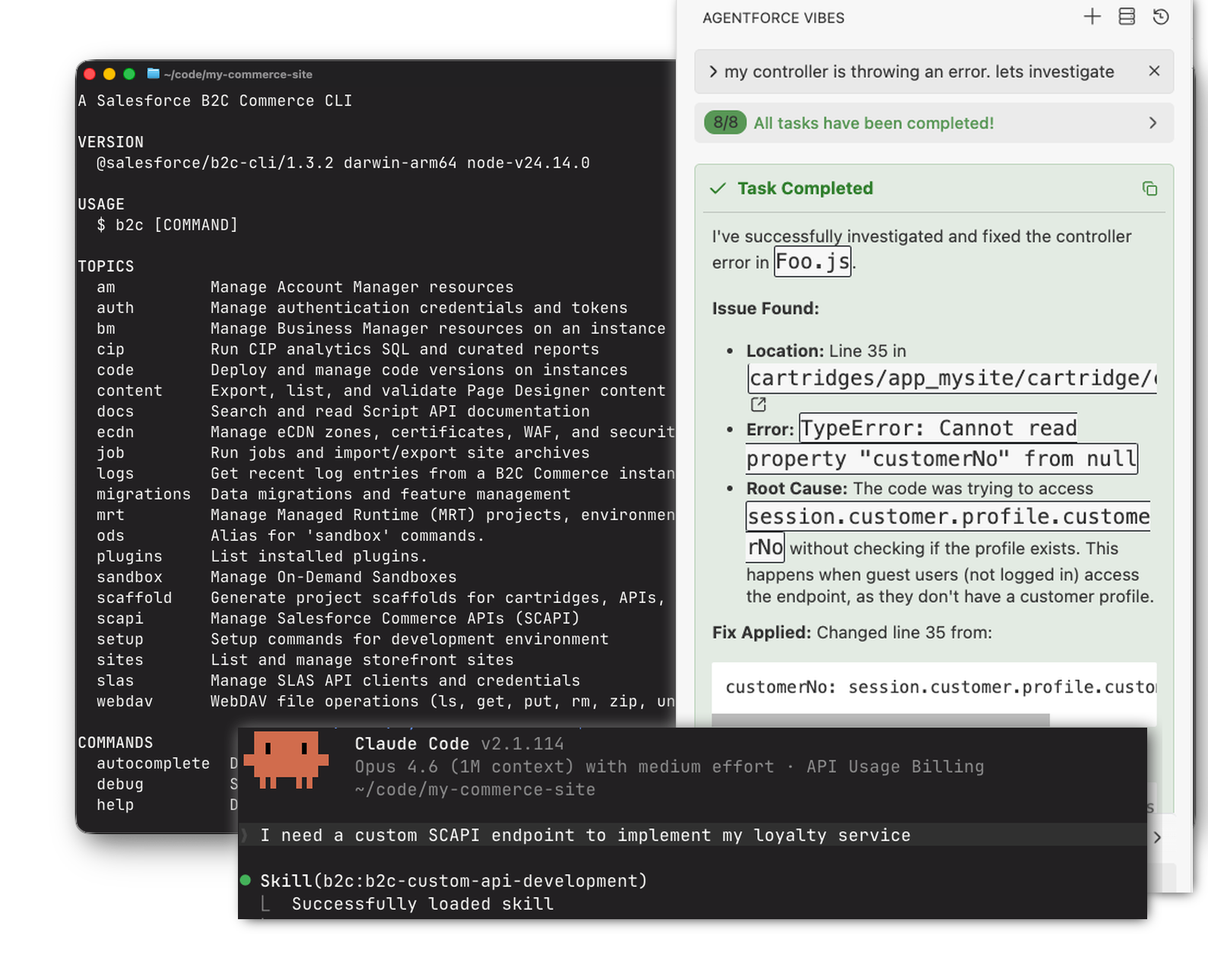
CLI, Agent Skills, MCP Server, and the Salesforce B2C Commerce VS Code Extension — everything you and your coding agent need to build, deploy, and operate B2C Commerce together.
npm install -g @salesforce/b2c-clinpx @salesforce/b2c-cli --helpbrew install SalesforceCommerceCloud/tools/b2c-cliDetailed setup: Claude Code · Codex · Cursor · Copilot · Agentforce Vibes · All IDEs
claude plugin marketplace add SalesforceCommerceCloud/b2c-developer-tooling
# Use --scope project to install for current project only

# Core: CLI + platform skills + MCP server
claude plugin install b2c-cli
claude plugin install b2c
claude plugin install b2c-dx-mcp

# Storefront Next (only for Storefront Next projects)
claude plugin install storefront-next
# storefront-next-figma adds Figma design-kit workflows (requires the Figma MCP server)
claude plugin install storefront-next-figmacodex plugin marketplace add SalesforceCommerceCloud/b2c-developer-tooling
# Then in Codex, run /plugins, select the "B2C Developer Tooling"
# marketplace, and select and install the desired plugins.# Cursor auto-loads skills from Claude Code paths — if you've already
# installed via `claude plugin install`, Cursor picks them up too.
# Otherwise, install directly to .cursor/skills/:
npx @salesforce/b2c-cli setup skills --ide cursorIn VS Code, open the Command Palette (Cmd/Ctrl+Shift+P) and run:
Chat: Install Plugin from Source
Then enter:
SalesforceCommerceCloud/b2c-developer-toolingcopilot plugin marketplace add SalesforceCommerceCloud/b2c-developer-tooling
# Core: CLI + platform skills
copilot plugin install b2c-cli@b2c-developer-tooling
copilot plugin install b2c@b2c-developer-tooling
# For the MCP server on Copilot, install it directly — see /mcp/installation
# Storefront Next (only for Storefront Next projects)
copilot plugin install storefront-next@b2c-developer-tooling
copilot plugin install storefront-next-figma@b2c-developer-tooling# Marketplace install coming soon. For now, use the B2C CLI:
npx @salesforce/b2c-cli setup skills --ide agentforce-vibesnpx @salesforce/b2c-cli setup skillsInstall Salesforce B2C Commerce from the Visual Studio Marketplace or run:
code --install-extension Salesforce.b2c-vs-extensionDetailed setup: Installation · Configuration
| Package | Description |
|---|---|
@salesforce/b2c-cli | Command-line tools for Salesforce B2C Commerce |
@salesforce/b2c-dx-mcp | MCP Server for AI-assisted development |
@salesforce/b2c-tooling-sdk | SDK library for custom integrations |

